




Software Download Link
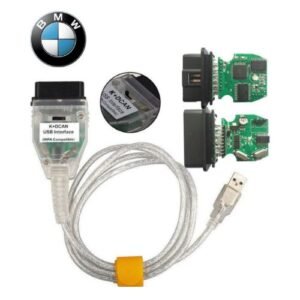
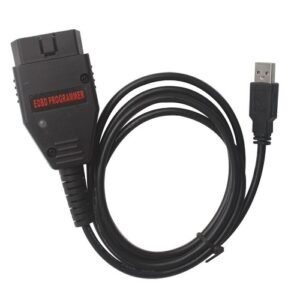
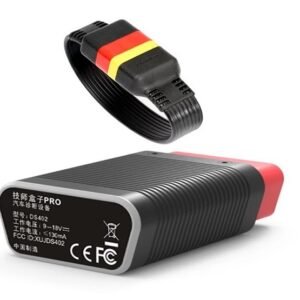
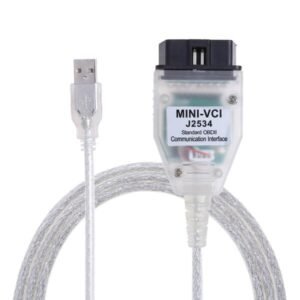
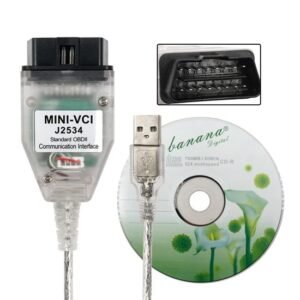
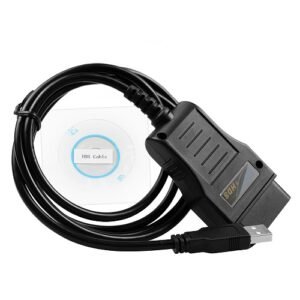
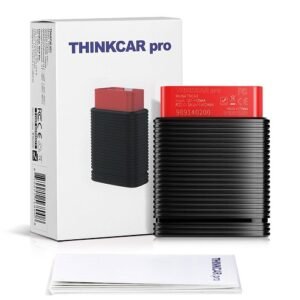
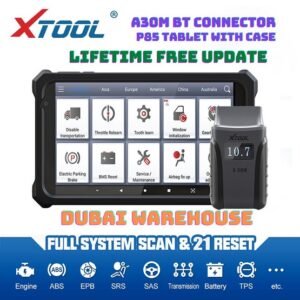
Mahindra iFlash is a specialized OEM diagnostic tool used to reprogram Engine Control Units (ECUs) in Mahindra vehicles. It allows technicians to deploy firmware updates, overwrite ECU maps, and restore module software configurations.Key FunctionsECU Flashing: Overwrites the firmware on vehicle control modules (such as MD1 ECUs used in BS6 vehicles like the Scorpio).Firmware Updates: Updates vehicle system software to resolve performance issues or manufacturer recalls.Module Restoration: Recovers and calibrates corrupted or bricked ECUs.Part of the Mahindra Software SuiteThe iFlash software is rarely used alone; it is typically bundled into the complete Mahindra passenger vehicle diagnostic ecosystem, which includes:i-Smart: The main software utilized for general vehicle diagnostics, scanning DTCs, and reading live data parameters.i-Secure: Used primarily for security functions, immobilizer coding, and matching vehicle keys.i-Flash: Dedicated solely to flashing and firmware installation operations.Hardware and System CompatibilitySupported VCI Devices: The software communicates with the car via J2534 pass-thru hardware adapters. Popular compatible devices include the OEM Garuda 2 adapter, ISSBD J2534 Made in Bangladesh, and Openport, Sm2 Pro, Scanmatik3.OS Requirements: Runs exclusively on the Windows desktop operating system.Stable Connection: ECU flashing requires a constant internet connection for file downloads and a stable vehicle battery backup. Disruption during the process can damage the ECU hardware permanently.Are you looking to download the software, troubleshoot a specific flashing error, or learn how to connect your hardware interface?
Support List
Mahindra i-Flash is the official OEM ECU flashing and reprogramming software used by dealerships and independent workshops to update vehicle control modules, rewrite hex calibration files, and resolve ECU-related issues.The application list covers Mahindra’s entire passenger and light commercial vehicle lineup running on standard engine emission standards (including EU2, EU3, EU4, EU5, and BS6 platforms).Supported Vehicles & PlatformsThe i-Flash utility provides full software update and flashing support across the following Mahindra model lines:Flagship SUVs: Scorpio (including mHawk, EU3, EU4, and EU5 variants), Scorpio Classic, Scorpio-N, XUV500, XUV700, and XUV300 / XUV3X0.Off-Road & Utility: Thar (CRDe & mHawk engines), Bolero, Bolero Neo, and Bolero Pickup variants.MUVs & Compacts: Xylo, Quanto, TUV300, KUV100, NuvoSport, and eVerito.Commercial & Pickups: Genio, Supro, Imperio, Maxximo, and Jeeto.Supported ECU & Microcontroller HardwareThe software is engineered to program and flash complex vehicle nodes. The primary engine control modules (ECUs) and microcontrollers detailed in Mahindra i-Flash Release Logs on Scribd include:Bosch EMS Series: Specific hex calibration updates for SCORPIO_EMS_1037392428, 1037397003, 1037523472, 1037513076, and 1037542406 architectures.Bosch EDC Series: Bench and OBD setups including EDC17C61 (TC1724) and EDC17C53 (TC1767).Bosch MD1/MG1 Platforms: Newer generation systems such as the Bosch MD1CS018 (TC375 MCU) found on BS6-compliant iterations of the Thar, Scorpio, and Bolero.Compatible Diagnostic VCI HardwareTo flash software with i-Flash, you must pair the tool with an authorized J2534 PassThru Vehicle Communication Interface (VCI). The most common compatible hardware options found on platforms like Car Tool India include:Mahindra Garuda II: The native dealer-level hardware built explicitly for i-Smart diagnostics and i-Flash automated ECU flashing.ISSBD J2534 Made in Bangladesh / Multi-Brand Pro: Successfully runs Mahindra OEM software partitions to flash modules and execute actuation routines.Tactrix Openport 2.0: Widely adapted as an affordable J2534 pass-thru VCI variant optimized to handle the specialized i-Flash and i-Secure data buses.If you are trying to resolve a specific vehicle issue, let me know:The exact Mahindra vehicle model and manufacturing yearThe specific error code (DTC) or module failure you are encounteringThe VCI interface device you plan to link to your computerI can guide you on the firmware configuration or hex-file compatibility required.

Reviews
There are no reviews yet.