

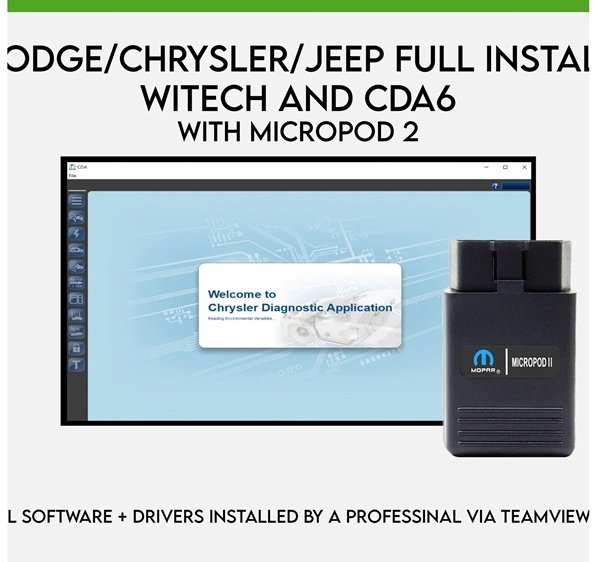
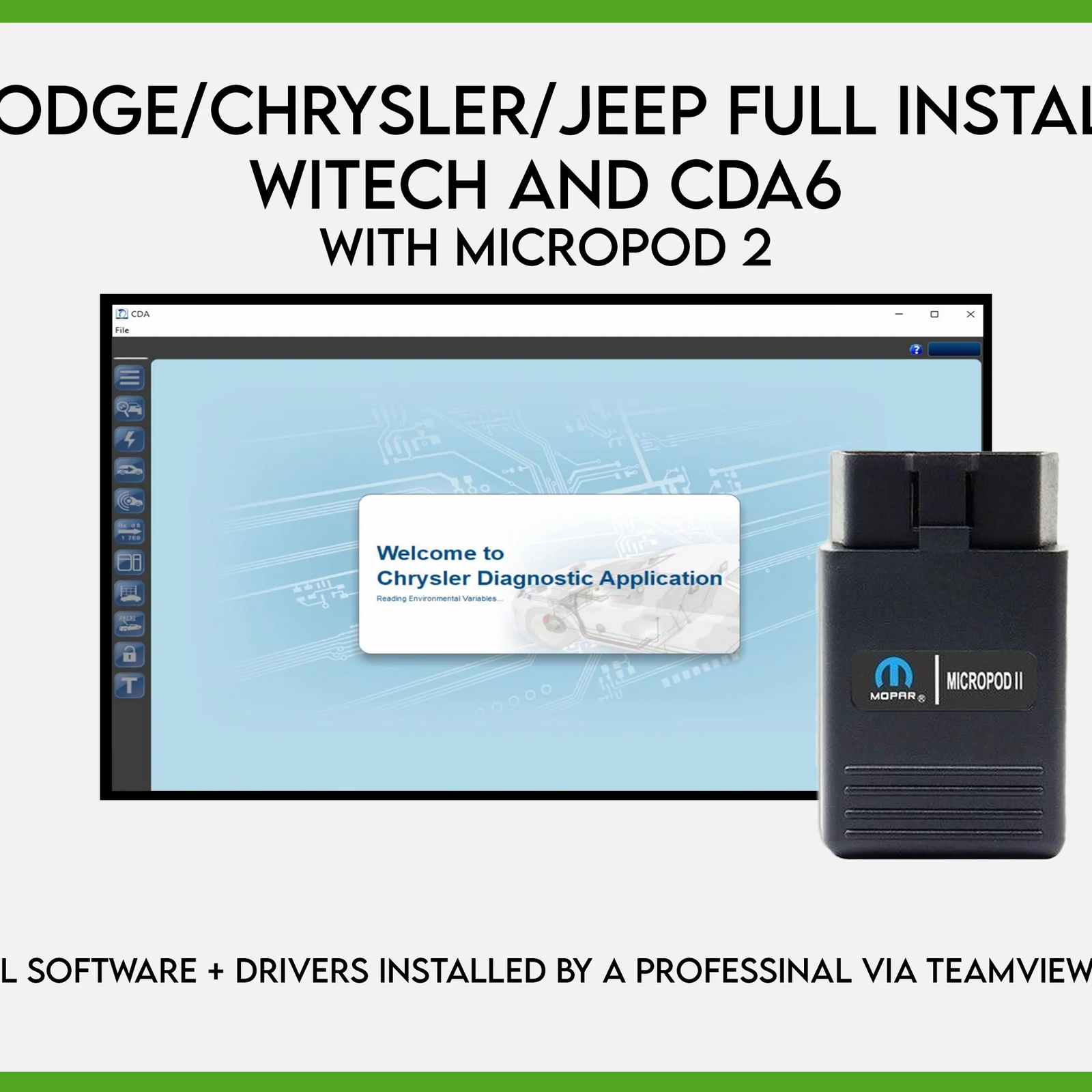
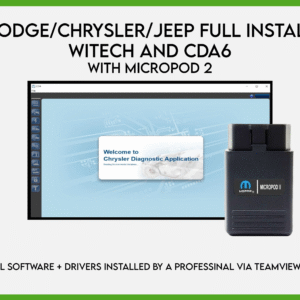
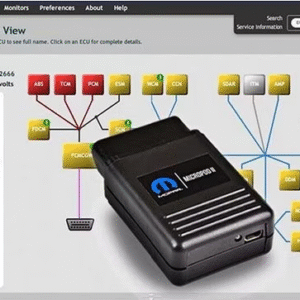
The CDA 6.15.188 is the latest engineering software version for the MicroPod 2 diagnostic tool, specifically designed for FCA (Fiat Chrysler Automobiles) group vehicles, including Chrysler, Dodge, Jeep, and Fiat.
Key Functions and Features
Engineering Level Access: Unlike standard diagnostic tools, this “Engineering” version allows for deep system configuration, prototype testing, and bench modes.
FLASH Programming: Enables downloading and updating firmware for various vehicle modules like the PCM, TCM, and ABS.
VIN Editing: Provides the ability to edit or change the Vehicle Identification Number (VIN) in modules, which is essential for certain repairs and module replacements.
Offline Capability: This specific version is widely used as an offline tool, meaning it does not require an active internet connection or a dealership subscription to perform many of its functions.
Wide Compatibility: It supports CAN-equipped vehicle platforms through roughly 2016 to 2023 models, depending on the specific vehicle and module.
Technical Requirements & Setup
Hardware Interface: It is optimized for use with the MicroPod 2 USB interface, a compact dongle that replaces older tools like StarScan or StarMobile.
Operating System: Generally runs on Windows 7 or Windows 10 (both 32-bit and 64-bit) with at least 4GB of RAM.
Installation: Many sellers provide this software via remote installation services like TeamViewer or as pre-configured virtual machines (VMware).
DRB III Support: It is often noted as compatible with the DRB III Emulator for older, non-CAN vehicles, though the emulator software itself is usually sold separately.
Important Safety Note: Engineering software like CDA 6 has the power to modify critical vehicle parameters. It is recommended to back up original ECU data before performing any VIN edits or flash programming to avoid module corruption.
Are you looking for help with the installation of this software, or do you need to know if it’s compatible with a specific vehicle model?
💻 Offline wiTECH 1.0 + CDA6
Includes 5 items:
1. wiTECH USA v17.04.27
2. wiTECH FIAT (latest offline version)
3. CDA6 v6.15.188 (released April 2023)
4. 231GB flash calibration files
5. DRB Emulator
✅ wiTECH supports cars up to 2017
✅ CDA6 application list supports/shows cars up to 2025
✅ Works with Micropod2 (clone or original) with old firmware
🔧 Remote install via TeamViewer
🔒 Lifetime license for one PC only.
It’s locked to your hardware and operating system.
If either changes, you’ll need a new license — even after 1 minute.
If nothing changes, warranty and support are valid for 1 year.
💻 System Requirements:
Free virus Windows 10 or 11 – 64-bit (native install only)
At least **20GB** free space on **C:\**
Stable internet connection during installation
📦 Flash files need at least 500GB HDD/SSD to extract (You can save the files on any external HDD/SSD) Covers *most FCA modules from 2001 to 2020*
🔐 Flash files Folder will be password-protected I will Extract/unlock it one time only for 1 PC (password not shared)
📩 Flash files for cars up to 2025 also available by VIN (extra charge)
❗I don’t sell pods — just software installation
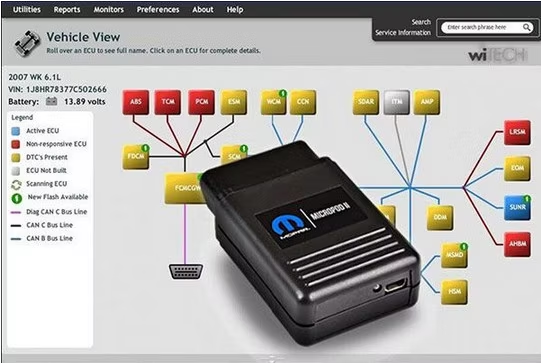
The MicroPod 2 is a specialized OEM-level diagnostic tool designed specifically for Chrysler, Dodge, Jeep, and Fiat vehicles. It acts as a pocket-sized interface that connects a vehicle’s onboard computer to a PC, providing technicians with full access to vehicle systems for troubleshooting and maintenance.
Key Functions and Features
Comprehensive Diagnostics: Allows for full-system scanning, reading and clearing diagnostic trouble codes (DTCs), and monitoring live data.
Programming Capabilities: Supports both online and offline ECU programming and module flashing.
Note: Online programming typically requires a valid TechAuthority subscription.
Hardware Compatibility: It is the official successor to older diagnostic tools like the StarSCAN, StarMOBILE, and the original wiTECH POD.
Software Integration: It is designed to work with the wiTECH diagnostic application (versions 1.0 and 2.0).
Vehicle Coverage: Provides 100% coverage for CAN-equipped Chrysler and Fiat vehicles, generally covering models from 2004 to 2018.
Usage Details
Connectivity: Connects to the vehicle’s OBDII port and to a laptop via USB or Wi-Fi (on supported models).
Indicator Lights: A standard usage tip is to connect the MicroPod 2 to the vehicle first; once the indicator light turns on, it should then be connected to the laptop to run the software.
Legacy Support: Some versions can support DRB III emulation for communication with older, non-CAN vehicle models.
For official hardware and software packages, you can explore specialized automotive suppliers like Diagnoex or Mopar-supported equipment sites.
Are you looking for the official OEM version for a professional dealership or a compatible clone for personal DIY use?
V17.04.27 is a specific version of the wiTECH diagnostic software used with the microPOD II interface to service Chrysler, Dodge, Jeep, and Fiat vehicles. This particular version is often associated with “unlocked” or “cracked” software packages sold by third-party retailers, allowing users to perform dealership-level diagnostics and programming without the standard restrictive licensing of newer online-only versions.
Key Features and Capabilities
Vehicle Coverage: Provides 100% CAN-equipped coverage for Chrysler, Dodge, Jeep, and North American Fiat vehicles.
Legacy Support: Specifically supports vehicles up to the 2017–2018 model years.
Diagnostic Functions: Replaces older tools like the StarScan and StarMobile, offering full module scanning, DTC (Diagnostic Trouble Code) reading/clearing, and data monitoring.
Programming: Supports both online and offline programming, though a separate Tech Authority subscription is typically required for official module re-flashing and accessing wiring diagrams.
DRB III Emulator: Often includes or supports an emulator for older, non-CAN bus vehicles (pre-2004), though this may require separate installation.
Technical Specifications
Category Details
Operating System Optimized for Windows 7 (32-bit or 64-bit).
Hardware Works with the microPOD II (dongle-style) interface.
Connectivity USB and often Wi-Fi enabled (depending on the specific hardware unit).
Languages Multi-language support including English, French, Spanish, German, Italian, and more.
Important Usage Tips
Internet Caution: Many versions of V17.04.27 found on marketplaces like AliExpress or eBay are “cracked” versions. Sellers often warn not to connect to the internet while the software is running to avoid damaging the software registration or “bricking” the clone hardware.
Connection Sequence: To ensure the device is recognized, users should first connect the MicroPod II to the vehicle; once the indicator light turns on, then connect it to the laptop and launch the software.
Are you looking for help with installing this software or troubleshooting a specific connection error?
Jabedul Dewan Trading L.L.C is a verified online seller based in Dubai, UAE, specializing in automotive diagnostic tools and software, including ALLDATA subscriptions and repair data.
Online Presence and Products
The company operates primarily through major e-commerce platforms in the UAE, Oman, Qatar, Bangladesh, Saudi Arab, Bahrain, Kuwait.
Amazon.ae Storefront: They maintain a dedicated Amazon merchant page where they sell various automotive tech products.
Key Products:
ALLDATA Repair Software: They offer versions like Alldata V10.53 on Demand.
Diagnostic Tools: Includes scanners like the VNCI 6154A for VAG group vehicles and motorcycle diagnostic instruments.
Software Subscriptions: They provide activation and renewal services for tools like Thinkdiag and X-PRO 5 car/truck repair data.
Other Platforms: They are also active on Noon.com, offering one-year subscriptions for repair data software.
Physical Location and Contacts
For those looking to visit or contact them directly in Dubai:
Address: Al Fahidi Souk, 2, 33c Street, 1st Floor, Office F98, Al Souq Al Kabeer, Bur Dubai.UAE


Reviews
There are no reviews yet.