

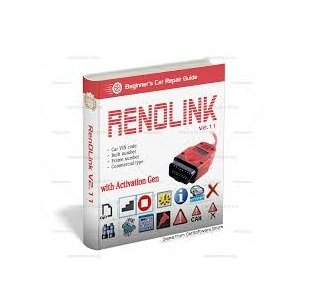

Renault RenoLink V2.11 is an advanced software and hardware OBD2 diagnostic tool tailored specifically for specialized programming and deep diagnostics in Renault, Dacia, and Nissan vehicles. It is highly regarded by professional mechanics and DIY enthusiasts because it offers dealer-level functions (similar to Renault Clip) at a fraction of the cost.
It communicates with the vehicle’s electronic modules directly through the OBD2 port, eliminating the need to dismantle electronic components.
Software Download Link
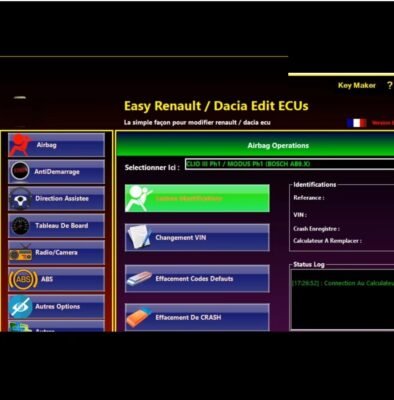
🛠️ Key Capabilities & FunctionsECU Management: Allows you to read, write, and clear memory, reflash the Electronic Control Unit (ECU), and reset modules after standard maintenance like battery replacements.Key & Immobilizer Programming: Coding new physical keys or key cards, deleting lost keys, and matching Universal Computer Housing (UCH) immobilizer units.Airbag Resetting: Clears crash data and fault codes directly from the airbag module after minor impacts.Dashboard Customization: Modifies dashboard configurations, rewrites mileage data (EEPROM/Flash read/write) for cluster replacements, and introduces replacement parts.Live Diagnostics: Reads and clears Diagnostic Trouble Codes (DTCs) from all available vehicle systems while delivering real-time live sensor data streams.
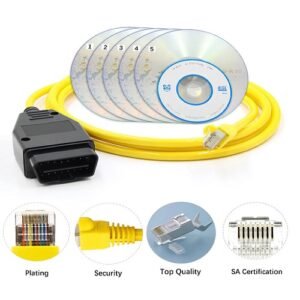
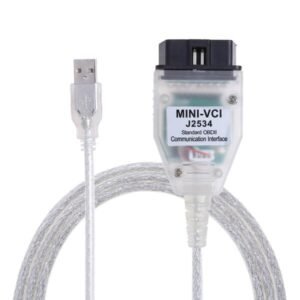
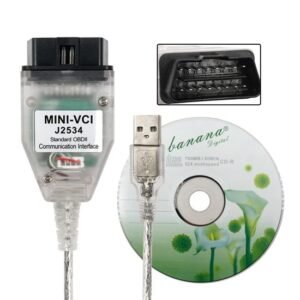
🚗 Vehicle & Compatibility CoverageThe V2.11 software updates expand support across several modern and legacy platforms:Renault: Clio, Megane 4, Scenic 4, Kadjar, Talisman, Fluence, and more.Dacia: Lodgy, Sandero, Logan, and various other OBD-compliant models.Hardware Requirements: It operates via USB diagnostic interfaces like the OBDLink SX or specialized ELS27 red cables. Note: Ensure your physical cable uses a high-speed micro-controller (like STM32) to work flawlessly with the newer high-speed CAN networks required by V2.11.
💻 Installation Best PracticesSetting up third-party diagnostic software can sometimes present installation hurdles. Follow these standard guidelines for a successful setup:Disable Antivirus Protection: Antivirus programs frequently misidentify ECU programming tools as threats. Temporarily disable windows/third-party security before installing.Install .NET Framework: The application relies on Microsoft architecture.
You must install dotnetfx40 (or higher) on your Windows machine for the executable to load.Apply the License Key File: Most kits require you to copy a license file (e.g., renolink.dat) from your installation source and paste it directly into the installation root folder where renolink.exe resides.
If you are currently setting up or purchasing the tool, let me know if you need help with a specific diagnostic error code, instructions on how to program a new key, or finding software download alternatives

Reviews
There are no reviews yet.