

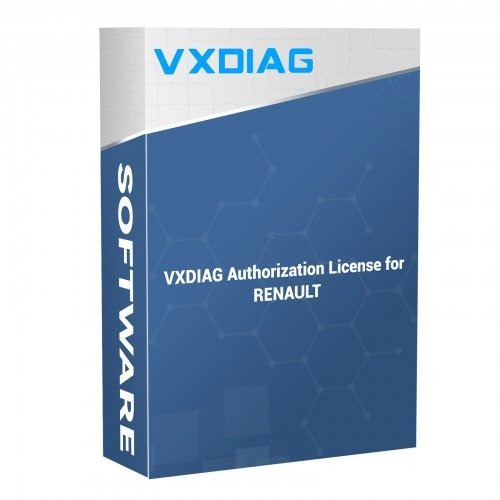

Available for VCX SE V94SE****, VCX Multi V52XP****, V71XN****, V81XD****, V83XD****, V94XD*****, VCX PRO P71XP****.
Free Software link Download (including software, driver, installation video).If your device serial number belongs to NANO series (SN: N52VA***, N52FM***, N52JL***, N52GM***,N52TL***, N52VV***, N52VA***, NCA*****), or VCX SE with S94BM*** or S94JL***, then DO NOT support adding extra license.
This is authorization for vxdiag multi and vxdiag se to support the car brands, not software activation code or online access.
Compatible software version: V237.
Renault uses a separate Renault VCI driver. Install the driver separately. Don’t need to install VX Manager.
The VXDIAG Renault Authorization License allows users to add official Renault (2006-2026) diagnostic and programming capabilities to an existing VCX SE or VCX Multi series hardware interface. It acts strictly as a hardware authorization to communicate with the vehicle and does not include independent software activation codes or paid online dealer access accounts.
Compatibility Rules
- Supported Devices: Compatible with VCX SE units (starting with S/N V94SE), VCX Multi units (such as V52XP, V71XN, V81XD, V83XD, V94XD), and VCX PRO.
- Excluded Hardware: The upgrade cannot be added to single-brand NANO series units (e.g., S/N starting with N52) or certain locked variants like V94BM (BMW-only) and specific Benz configurations. Always check the serial number before purchase.
Features & Capabilities
- Core Functions: Enables full dealer-level OBD2 scanning, module diagnosis, ECU programming, offline coding, and remote diagnostics.
- Protocols: Features native support for the SAE J2534 Passthru standard alongside DoIP (Diagnostic over Internet Protocol) architectures.
- No Recurring Fees: The license configuration is permanent. If an expiration date shows up inside the dashboard software, it can be renewed for free.
Activation & Setup Process
- Provide Serial Number: Purchase the license from an authorized distributor like the VXDIAG Official Dealer Jabedul Dewan Trading LLC or ISSBD Bangladesh. Provide your device’s exact Serial Number (S/N) during checkout.
- Wait for Backend Activation: The factory updates the central database within 24 to 72 hours. No physical parcel is shipped.
- Update VX Manager: Connect your diagnostic interface to a computer via USB or Wi-Fi. Open the VX Manager utility software and click “Update License” to sync the new brand authorization to the firmware.
- Driver Protocol: Ensure you install the Passthru driver module inside VX Manager.
- System Isolation: Install the dedicated Renault Clip software on a clean Windows system. Avoid mixing it with conflicting diagnostic programs on the same operating system partition.
If you plan to purchase this upgrade, would you like help verifying your specific device serial number for compatibility, or do you need a link to the latest VX Manager software download?



Reviews
There are no reviews yet.