



For IVECO trucks, AdBlue OBD2 emulators are specialized “Plug & Drive” devices designed to bypass the Selective Catalytic Reduction (SCR) system and NOx sensors. These devices are typically used to prevent power loss (limp mode) and dashboard warnings when the AdBlue system is damaged or when Diesel Exhaust Fluid (DEF) is unavailable.
IVECO Daily SCR Emulator
Specifically designed for light commercial vehicles like the Iveco Daily (Euro 6 models), ensuring the Diesel Particulate Filter (DPF) remains functional while emulating the SCR system.
Key Features & Benefits
Easy Installation: Requires no software; you simply plug it into the OBD2 connector and remove specific fuses (typically terminal 5 and 15 for IVECO).
Zero Power Loss: Prevents the engine from losing torque or entering “limp mode” due to SCR faults.
Dashboard Cleanup: Eliminates “Check Engine” lights and AdBlue-related fault warnings.
Temporary Usage: Ideal for use when you are unable to find a station to refill DEF fluid.
Installation Steps for IVECO
Preparation: Pull the key out from the ignition.
Fuse Removal: Locate and remove the specified fuses for the AdBlue system (Terminal 5 and Terminal 15 for most IVECO models).
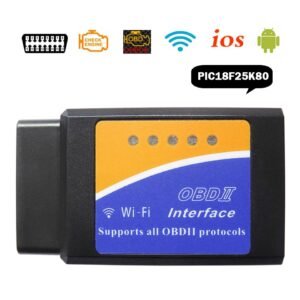
Connection: Plug the AdblueOBD2 device into the truck’s OBD2 connector.
Verification: Turn on the ignition. The AdBlue level on the dashboard should now show a stable level (usually around 50% or 70%).
Fault Clearing: If any fault lights remain, they may need to be cleared using a service scanner like the Iveco Eltrac Easy.
Important Legal Warning
Using AdBlue emulators is illegal in many countries, especially within the EU and regions with strict Euro 4/5/6 ecological standards. These devices lead to higher exhaust emissions and may result in heavy fines if used on public roads. They are primarily intended for off-road use or in countries without strict emission regulations.
Are you looking for a specific Euro rating (like Euro 5 or Euro 6) to ensure compatibility with your truck’s model year?
Be the first to review “ADblue Emulator for IVECO Trucks OBD2”
Related products



Reviews
There are no reviews yet.