

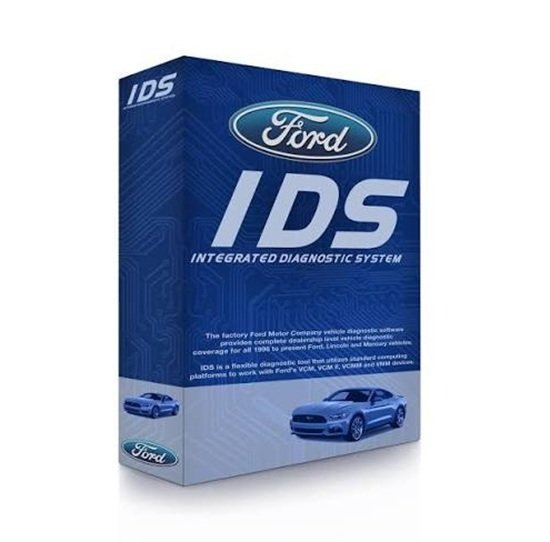


Ford IDS Software Subscription – 1 Year
Manufacturer Coverage and Requirements
Ford describes IDS diagnostic coverage for 1996 to selected 2018 Ford, Lincoln and Mercury vehicles. Compatible Ford diagnostic hardware is required. Confirm the VIN and current Ford software chart; newer applications may require FDRS. The licence includes time-limited software, updates and calibration access. Security-service permissions are separate where required.
Hardware Mapping & Vehicle Coverage
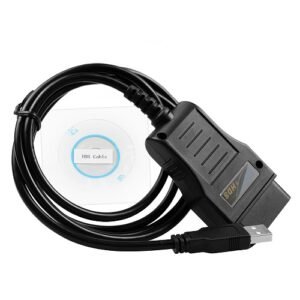
Ford IDS relies on specific physical vehicle communication interfaces (VCIs) to connect a standard Windows laptop to the vehicle’s OBD-II port.
| Diagnostic Software | Vehicle Generation Coverage | Supported Hardware Interfaces |
| Ford IDS | Legacy & older models (1996 to ~2018) | VCM, VCM II, VCM3, and VCMM |
| Ford FDRS (Next-Gen) | Newer & cloud-based models (2018 to Present) | VCM3, VCMM, and J2534 passthrough interfaces |
Core Software Functions
As a dealer-level tool, IDS goes far beyond basic aftermarket OBD-II code readers
Module Programming: Supports Programmable Module Installation (PMI) to configure brand-new ECUs, PCMs, ABS, and body control modules.
- Key Programming: Manages Passive Anti-Theft System (PATS) functions, including deleting lost keys and coding new transponder keys.
- Live Datastream & Diagnostics: Reads and clears diagnostic trouble codes (DTCs), views real-time engine data, and records live parameter streams.
- Advanced Calibrations: Performs sensor resets (such as steering angle adaptations), diesel particulate filter (DPF) manual regenerations, and automated brake bleeding
A Chronological Look at Ford Diagnostics
Ford diagnostics evolved over generations as vehicle electronics grew more complex:
[WDS (Pre-2006)] ──> [IDS (1996 – 2018)] ──> [FDRS (2018 – Present)]- WDS (Worldwide Diagnostic System): The bulky, dedicated tablet unit used in the late 1990s and early 2000s.
- IDS Era: Introduced to adapt WDS software onto standard laptops, using the VCM (Vehicle Communication Module). It became the shop backbone for over two decades.
- FDRS (Ford Diagnostic & Repair System) Era: Created to handle modern CAN-FD electrical architectures and cloud-reliant vehicle features.
Note: While IDS is legacy software, Ford bundles its licensing so an independent shop or technician buying a factory diagnostic license typically gains access to IDS, FJDS (Ford J2534 Diagnostic Software), and FDRS simultaneously.
Basic Installation Steps
To set up factory-level Ford IDS, technicians generally follow this deployment workflow:
- Prepare Windows PC: Disable any third-party antivirus software or firewall settings that block low-level network communications between the laptop and the VCM interface.
- Install Core Program: Download the full version of the IDS installation package directly from the Official Motorcraft Service Portal and run it as an Administrator.
- Apply Software Updates: Download and apply the latest incremental IDS database updates from the same portal to ensure recent calibration files are present.
- Install VCI Device Drivers: Install the necessary hardware drivers (such as the VCI manager manager software for VCM II/VCM3) along with the required Java environment to allow computer-to-vehicle handshakes.
- Activate License: Provide a valid, time-based paid subscription code from Ford to unlock programming parameters.
Please let me know if you would like information on how to purchase a diagnostic subscription or if you need help choosing between VCM3 hardware and a J2534 passthrough tool.




Reviews
There are no reviews yet.