

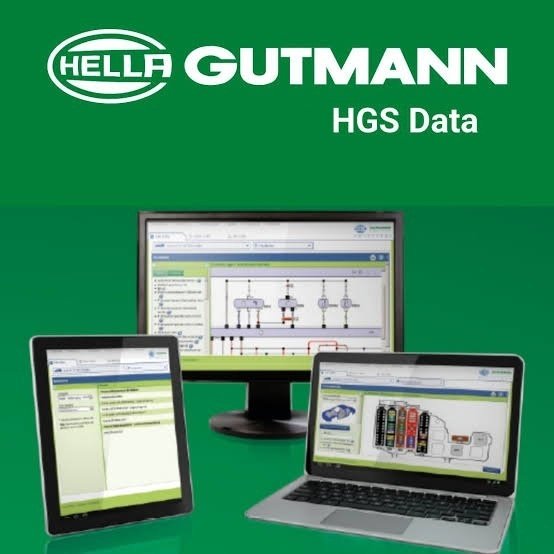


HGS Data (Hella Gutmann Solutions Data) is a comprehensive, interactive automotive technical information database designed for professional workshops and mechanics. It provides vehicle-specific repair, service, and diagnostic data for over 38,000 vehicle models worldwide.
The system functions either as standalone software on any internet-enabled PC or fully integrated into Hella Gutmann’s mega macs hardware diagnostic tools.
You can buy a Hella Gutmann HGS Data Online Subscription directly through Jabedul Dewan Trading Co, LLC, an authorized automotive diagnostic scanner and equipment supplier. Purchases made through this vendor typically include free 24-hour technical support provided directly by their team.
🛒 How to Buy & Get Support
Because HGS Data online access requires a customized software license or user activation code, you must contact Jabedul Dewan Trading LLC directly to complete your purchase and secure your free configuration support:
- WhatsApp Contact: Message them directly via their Official WhatsApp Business Link.
- Phone Number: Call or text them at +971 50 997 0171.
- Physical Location: If you are in Dubai, you can visit their storefront at Shop F98, 1st Floor, Al Fahidi Souk (DM Market), Meena Bazaar, Bur Dubai, UAE.
- Official Website: Browse their tools on the Auto Scan Tool Portal or the JDTL UAE Website.
- Payment Flexibility: You can split your purchase into 4 interest-free installments using Tabby at Jabedul Dewan Trading.
🌐 How to Login After Purchase
Once the vendor processes your subscription and delivers your account credentials:
- Navigate directly to the official portal at HGS-Data Online Login.
- Enter the Username and Password provided by Jabedul Dewan Trading.
- Check “Remember me” if you are accessing the system from a secure shop computer.
📋 What is Included in HGS Data?
- Multi-Device Access: A single license typically supports a 2-user parallel login.
- Massive Coverage: Over 35,000 distinct vehicle models are covered.
- Technical Data: Includes interactive wiring diagrams, service reset manuals, component locations, and symptom-based troubleshooting guides.
If you would like, I can help you check alternative subscription lengths or find out if this license can bind directly to your existing diagnostic tablet. Which option would you like to explore?
Core Features & Capabilities
- Symptom-Based Troubleshooting: Mechanics can select a vehicle and symptom to receive step-by-step troubleshooting logic compiled from real-world workshop diagnostic cases.
- Interactive Wiring Diagrams: Provides detailed, color-coded electrical schematics for engines, ABS, airbags, and climate control systems.
- Technical Specifications & Capacity Data: Lists critical data like fluid capacities, tightening torques, oil/refrigerant types, and piston heights.
- Maintenance & Service Schedules: Displays official manufacturer-recommended service intervals, procedures, and service reset steps.
- Component Location Guides: Offers visual map overlays to pinpoint components, fuse boxes, and cabin filters in the engine bay or interior.
- Recall Campaigns: Tracks official manufacturer recalls with specific production dates and vehicle faults.
- Labor Times: Calculates standard manufacturer repair times for invoicing and job planning.
To see a brief overview and demonstration of the platform software, watch this presentation:
If you want to know more, tell me:
- Do you plan to use it as standalone PC software or paired with a diagnostic tool?
- Are you looking for information on pricing and licensing models?
I can tailor my answer to the exact details you need.



Reviews
There are no reviews yet.