

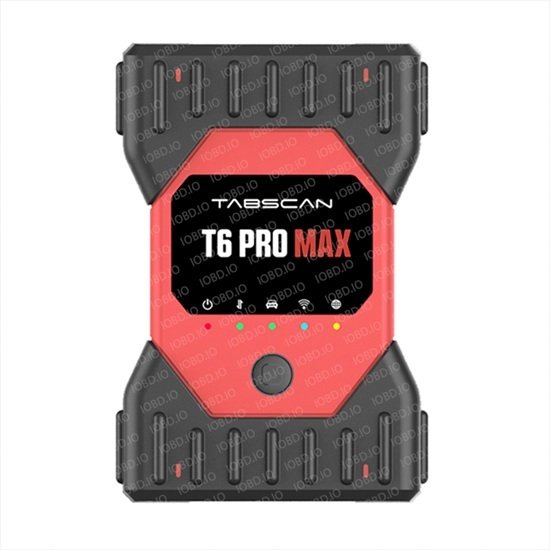
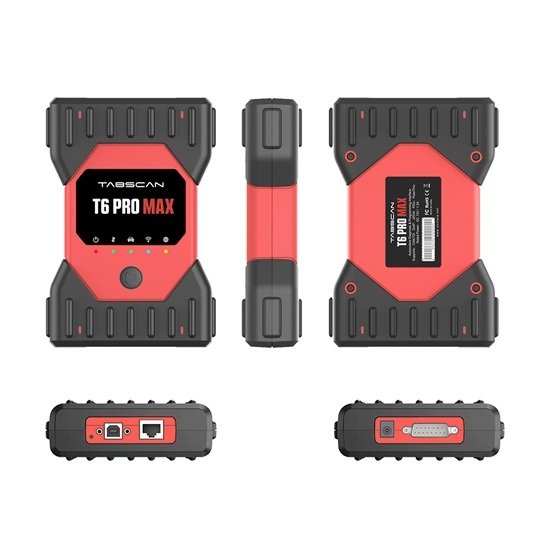
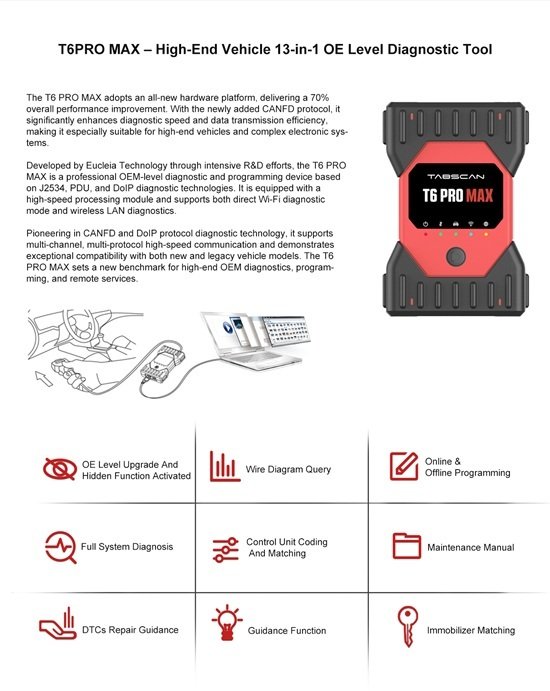
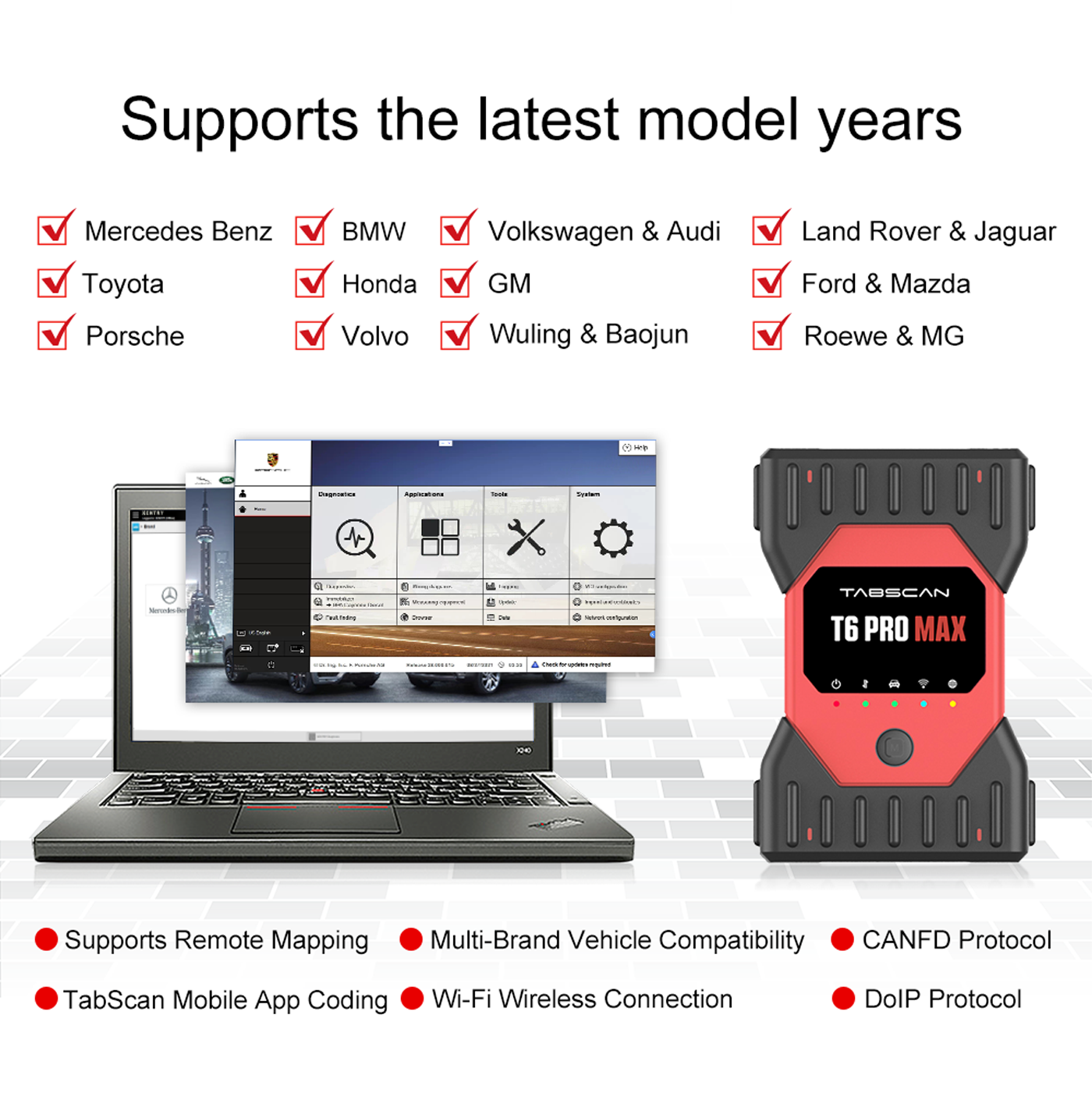
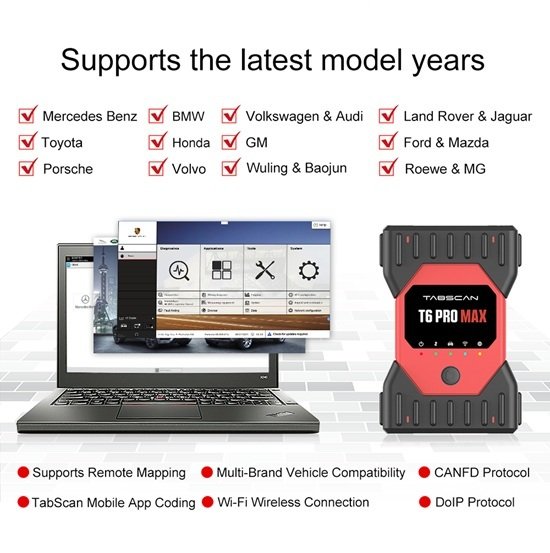
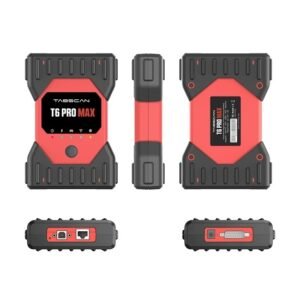
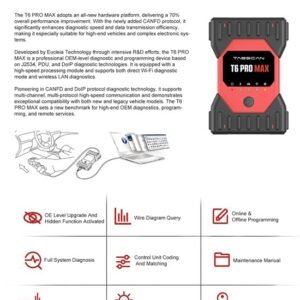
The Tabscan T6 Pro Max adopts an all-new hardware platform, delivering a 75% overall performance improvement. With the newly added CANFD protocol, it significantly enhances diagnostic speed and data transmission efficiency, making it especially suitable for high-end vehicles and complex electronic systems.
Developed by Eucleia Technology through intensive R&D efforts, the Tabscan T6 Pro Max is a professional OEM-level diagnostic and programming device based on J2534, PDU, and DoIP diagnostic technologies. It is equipped with a high-speed processing module and supports both direct Wi-Fi diagnostic mode and wireless LAN diagnostics.
Pioneering in CANFD and DoIP protocol diagnostic technology, it supports multi-channel, multi-protocol high-speed communication and demonstrates exceptional compatibility with both new and legacy vehicle models. The Tabscan T6 Pro Max sets a new benchmark for high-end OEM diagnostics, programming, and remote services.
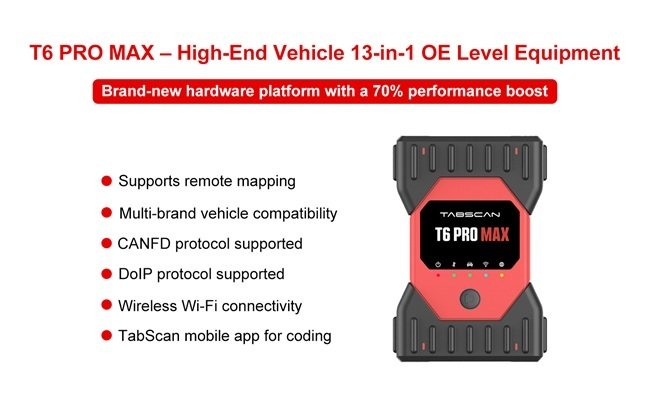
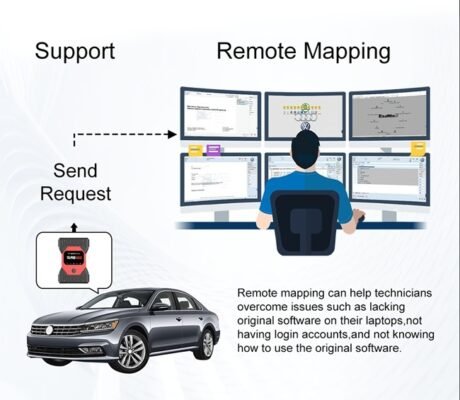
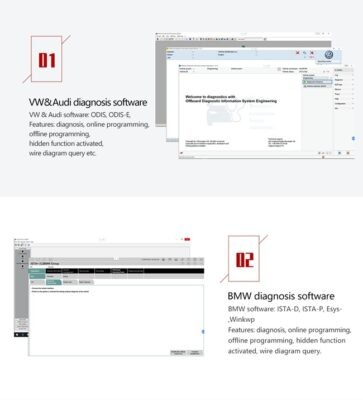
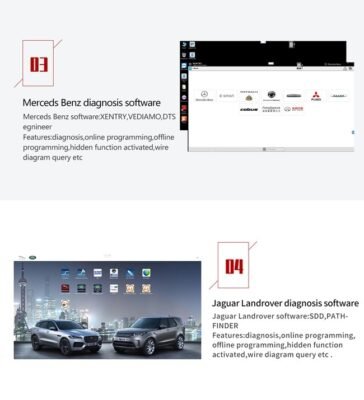
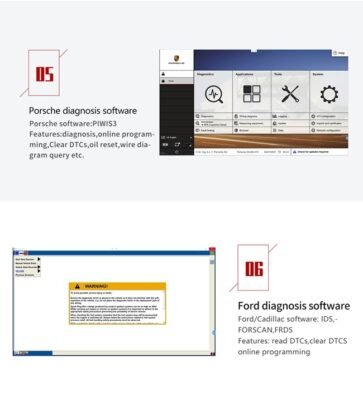
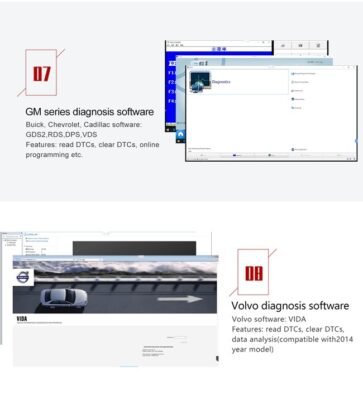
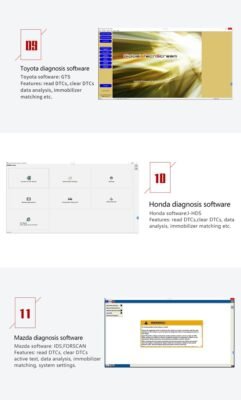
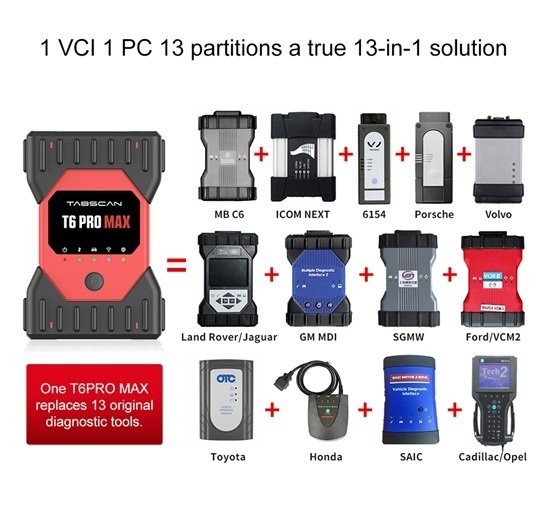
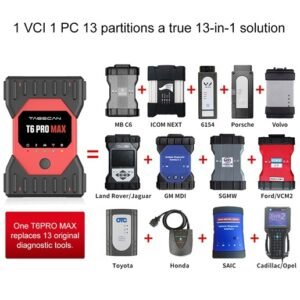
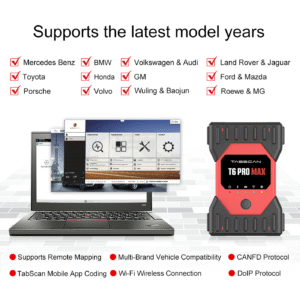
The Tabscan T6 Pro Max (developed by Eucleia Technology) is a professional, 13-in-1 OEM dealer-level automotive diagnostic interface and programming VCI (Vehicle Communication Interface). It acts as a universal pass-through interface designed to completely replace expensive, brand-specific dealer diagnostic boxes.Technicians use it to run official, factory-level software from major car manufacturers directly from a standard Windows laptop.Key Specifications & ArchitectureHardware Capabilities: Built on a next-generation platform delivering up to a 75% processing speed increase compared to legacy J2534 tools.Supported Protocols: Fully compatible with advanced standards including J2534, PDU, DoIP, CAN, CAN FD, and Ethernet. This allows high-speed communication with the complex electronic network architecture found in modern vehicles.Connectivity Options: Supports flexible connection methods via high-speed USB, Wi-Fi, and Wireless LAN. Note: USB is highly recommended for safety during programming/flashing operations.Licensing Model: Features a one-time payment for an all-brand lifetime license, operating with zero mandatory annual subscription renewal fees.Core Diagnostic & Programming FunctionsFull-System Diagnosis: Scans all vehicle modules including engine, transmission, ABS, and SRS.Dealer-Level Operations: Supports deep ECU coding, adaptation, parameters setting, and module flashing.Online/Offline Reprogramming: Fully compatible with original dealer software platforms (such as Xentry for Mercedes, ISTA for BMW, ODIS for VAG, and Pathfinder for JLR).Remote Mapping & Cloud Service: Enables remote programming assistance, allowing workshops without their own active OEM accounts to code modules via remote technician servers.Brand CompatibilityThe hardware interface consolidates dealer-level access across 13 major automotive groups covering passenger vehicles:European: VAG (Volkswagen, Audi, Skoda, Seat, Bentley, Porsche, Lamborghini), BMW (Mini, Rolls Royce), Mercedes-Benz (Smart), Volvo, Jaguar, Land Rover.Asian: Toyota (Lexus), Honda, Mazda.American: General Motors (Chevrolet, Cadillac, Buick, GMC, Opel) and Ford.Software Deployment MethodUnlike standard aftermarket tools that come with self-contained Android software apps, the Tabscan T6 Pro Max relies entirely on the factory OEM software suites. Because setting up 13 factory software platforms on one PC is notoriously complex, it is typically distributed by specialty suppliers (such as IOBD or regional professional tool dealers) pre-installed on dedicated high-capacity Solid State Drives (SSDs) or bundled directly with a pre-configured rugged laptop.If you are evaluating this for your workshop, would you like a comparison of the Tabscan T6 Pro Max against other multi-brand options like Autel or Launch? I can also provide the minimum laptop hardware requirements needed to smoothly run the pre-installed OEM software packages.
You can buy the Tabscan T6 Pro Max and get complete expert OEM software installation, activation, and worldwide technical support directly through Jabedul Dewan Trading LLC (JDTCL). They are a prominent, specialized automotive diagnostics supplier based in Dubai with international logistics and remote tech capabilities.🌐 Where & How to Purchase WorldwideYou can purchase the tool and arrange remote software setup through Jabedul Dewan Trading LLC’s official channels:Official E-Commerce Store: Browse products and place orders directly on the JDTCL Official Website.Direct WhatsApp Orders: Reach out to their support team directly on the JDTCL Official WhatsApp to get instant quotes, verify software configurations, and schedule your activation.Online Marketplace Storefront: Check their current stock, pricing, and fast delivery options on the JABEDUL DEWAN TRADING Amazon Storefront.📞 Contact Details & Physical ShowroomsIf you prefer to call or visit a physical storefront to test the hardware, use the following verified details:Primary Phone / WhatsApp: +971 50 997 0171Landline Office: +971 04-5545933. Dubai Showroom Location: Shop Number F98, Al Fahidi Souq DM Market, Meena Bazaar, Bur Dubai, Dubai, United Arab Emirates.Global Branches: Beyond the UAE, they operate physical centers and regional networks in Oman, Qatar, Bangladesh, Bahrain, and Saudi Arabia.🛠️ Included Expert Software & Technical Support ServicesWhen ordering a dealer-level setup like the Tabscan T6 Pro Max from this provider, they generally handle the heavy lifting for workshop setups worldwide:Full OEM Software Installation: Remote setup of dealership diagnostic software environments via TeamViewer or Anydesk.Global Remote Activation: Assistance with software licensing, lifetime hardware updates, and seed-key generation.Multi-Protocol Programming Support: Expert setup ensuring your J2534, PDU, CANFD, and DoIP protocols communicate perfectly with master vehicle modules for brands like Mercedes-Benz (Xentry), BMW, Porsche, JLR (SDD), Toyota, and Ford.Online Login Services: Access to online servers for official module configuration, online coding, and ECU flashing.If you want to move forward with configuring this tool, tell me:What specific car brands do you need the OEM software installed for?Do you require online programming logins (e.g., for JLR Topix or Mercedes SCN online)? What is your preferred shipping destination? I can help clarify what technical requirements you’ll need on your laptop.


Reviews
There are no reviews yet.