


Note:
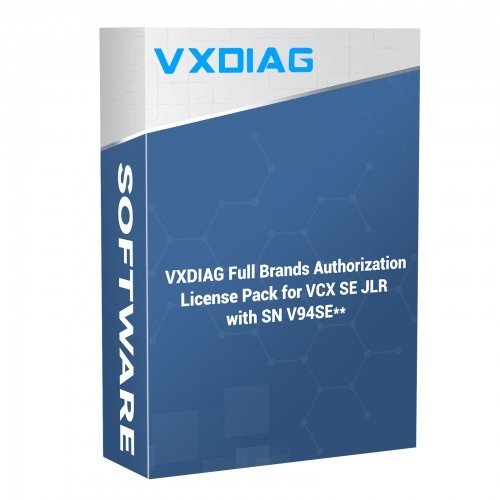
This Authorization is only available for VCX SE JLR with serial number V94SE—. Before purchase, please contact us to confirm serial number.
This license pack does not include JLR DOIP or PW3, Renault, PSA. If need, can buy separately.
Car Brands Authorization License Pack for VCX SE JLR, update to Full brands including JLR SDD, JLR DOIP, , BENZ, FORD/MAZDA, GM, VW, TOYOTA, HONDA, SUBARU, VOLVO,2.
No Software included, if need software together, please contact us to buy 2TB HDD together.
Yes, your device supports the full brand upgrade. The VXDIAG Full Brands Authorization License Pack is fully compatible with your VCX SE JLR unit because its serial number starts with V94SE.
Covered Brands
Purchasing this license pack unlocks software authorizations for the following major automotive brands on your single interface:
- JLR (Jaguar & Land Rover – SDD & DoIP)
- BMW
- BENZ
- FORD / MAZDA
- GM
- VW (Volkswagen / Audi)
- TOYOTA
- HONDA
- SUBARU
- VOLVO
Note: Specialized licenses such as Porsche (PW3), Renault, PSA, or Nissan are usually excluded from the standard 11-brand pack and must be purchased as separate single add-ons if needed.
Important Things to Know Before Purchasing
- Online Activation (No Shipping): This is a digital-only license upgrade. The factory applies the licenses directly to your device configuration profile using your Serial Number. No physical item will be shipped.
- No Software Included: The pack includes the authorization licenses to communicate with the car brands, but it does not come with the actual diagnostic software. You will need to download the programs or buy a pre-installed 2TB Software HDD/SSD
- Lifetime Updates: Once activated, these authorizations feature free lifetime license renewals via the VX Manager app.
Step-by-Step Activation Process
- Order the License Pack: Purchase the upgrade through an official distributor like VXDIAG Dealer Shop Jabedul Dewan Trading llc Dubai, UAE or ISSBD Bangladesh.
- Submit your Serial Number: Send a clear photo of your device’s physical SN sticker or a screenshot of your SN from the VX Manager application to the seller.
- Wait for Factory Sync: The seller will process the activation directly with the manufacturer, which usually takes 2 to 12 hours.
- Update via VX Manager:
- Connect your VCX SE JLR to your PC using a USB cable and ensure your laptop has an active internet connection.
- Open the latest version of the VX Manager
- Click on Firmware to make sure your hardware is up to date.
- Click the Update License button to sync the new brand activations to your hardware.
If you need help finding a reliable distributor for the license pack or want to verify if your specific vehicle models require DoIP protocol support, let me know!


Reviews
There are no reviews yet.