To perform OEM level diagnostics, module programming, and key adaptations, you need a combination of OEM software, a stable J2534 pass-thru or proprietary hardware interface, and valid online login credentials to communicate with the vehicle manufacturer’s servers.
The following breakdown lists the official systems, applications, and hardware required to access online programming for each brand specified.
________________________________________
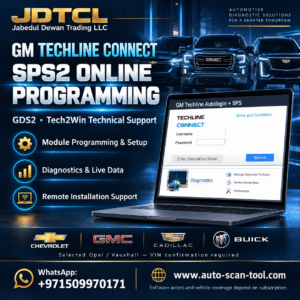
1. General Motors (GM)
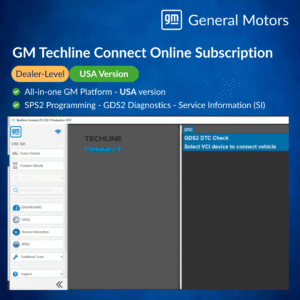
GM has consolidated its diagnostic ecosystem into a single unified workspace.
• Software: GM Techline Connect. This integrates SPS2 (Service Programming System 2 for flashing), GDS2 (Global Diagnostic System for scanning), and SI (Service Information).
• Official Access: Independent technicians must create an account and purchase subscriptions through the ACDelco TDS (Total Diagnostics Support) portal. Subscriptions range from short-term (timed/per VIN) to annual packages.
• Supported Hardware: Genuine GM MDI 2, or validated J2534 Pass-Thru devices (e.g., CarDAQ-Plus, Autel MaxiFlash, Scanmatik 2 Pro).
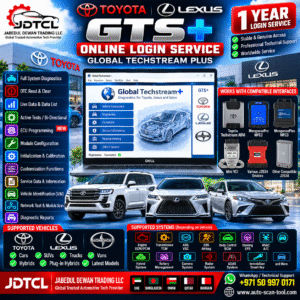
2. Toyota & Lexus
Toyota’s classic system is transitioning to a modern cloud-based platform.
• Software: Toyota GTS+ (Global TechStream Plus). This cloud-supported application replaced the older offline TechStream software for newer model years.
• Official Access: Subscriptions must be bought through the official regional portals: TIS (Technical Information System) for North America, or Toyota Techdoc for Europe. To utilize immobilizer or key programming functions, you must be registered as a certified vehicle security professional (such as an NASTF member in the US).
• Supported Hardware: Toyota Denso DST-010 / DST-i, or highly stable J2534 interfaces.
3. Volkswagen Audi Group (VAG)
VAG uses a dealer-level diagnostic architecture that heavily restricts immobilizer functions without official security clearance.
• Software: ODIS-S (Off-board Diagnostic Information System – Service) and ODIS-E (Engineering).
• Official Access: Access requires registration via the erWin portal (individualized per brand: VW, Audi, Skoda, Seat). Online coding and software calibration updates (SVM) require a valid GeKo ID (Geheimnis und Komponente login). Securing a GeKo login involves background checks and security accreditation.
• Supported Hardware: VAS 6154/A original or high-quality J2534 pass-thru units configured to the ODIS system.
4. Jaguar Land Rover (JLR)
Modern JLR vehicles are heavily reliant on real-time internet connections.
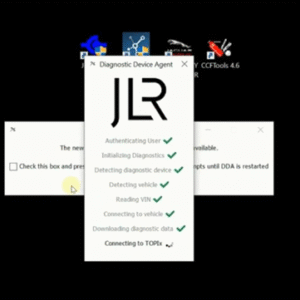
• Software: JLR TOPIx Cloud. While older vehicles (pre-2017) utilized SDD (Symptom Driven Diagnostics), newer vehicles leverage the TOPIx Cloud architecture entirely through a web browser.
• Official Access: Access is purchased directly via the JLR TOPIx portal. Regular diagnostic paths are accessible via independent subscriptions, but security functions (such as keys and module adaptations on restricted lines) require a verified independent technician status (e.g., independent operator with security approval).
• Supported Hardware: JLR DoIP VCI, Bosch JLR VCI, or approved J2534 Pass-Thru devices.
5. Ford & Lincoln
Ford manages its fleet across overlapping platforms based entirely on model year.
• Software:
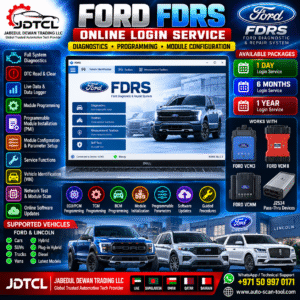
o FDRS (Ford Diagnostic & Repair System): Used for newer vehicles (most 2018+ and all 2021+ vehicles).
o IDS (Integrated Diagnostic System): Used for heritage and legacy vehicles.
o FJDS (Ford J2534 Diagnostic Software): The J2534-compliant variant of IDS.
• Official Access: Subscriptions can be purchased legally via the Motorcraft Service Website. Standard module flashing is open to anyone with an active software license, but PATS (Passive Anti-Theft System) access for key matching requires strict security clearance credentials.
• Supported Hardware: Ford VCM II, VCM 3, or validated J2534 Pass-Thru adapters.
6. Mazda
Mazda mirrors a similar structure to Ford due to historical platform sharing but maintains a completely standalone network.
• Software: MDARS (Mazda Diagnostic and Repair Software) for modern, current-generation vehicles, alongside legacy Mazda IDS for older lines.
• Official Access: Managed through the Mazda Service Info portal. Software execution requires an active subscription tied to your specific user profile.
• Supported Hardware: Mazda VCM II or compatible J2534 Pass-Thru units.
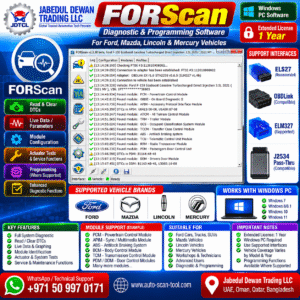
7. Forscan
Forscan is an unconventional addition to this list, as it is not an official OEM factory tool but rather specialized third-party software.
• Software: FORScan (primarily used for Ford, Mazda, Lincoln, and Mercury vehicles).
• Access: It does not use an online server dealer login. Instead, it utilizes an Extended License (available via a free trial or paid subscriptions on the official FORScan website).
• Capabilities: While it can run service procedures, module configurations, and localized key programming offline, it cannot pull official online central configuration files or flash raw factory calibrations from Ford servers like FDRS can.
• Supported Hardware: OBDLink EX (USB), OBDLink MX+ (Bluetooth), or high-speed ELM327 switches.